
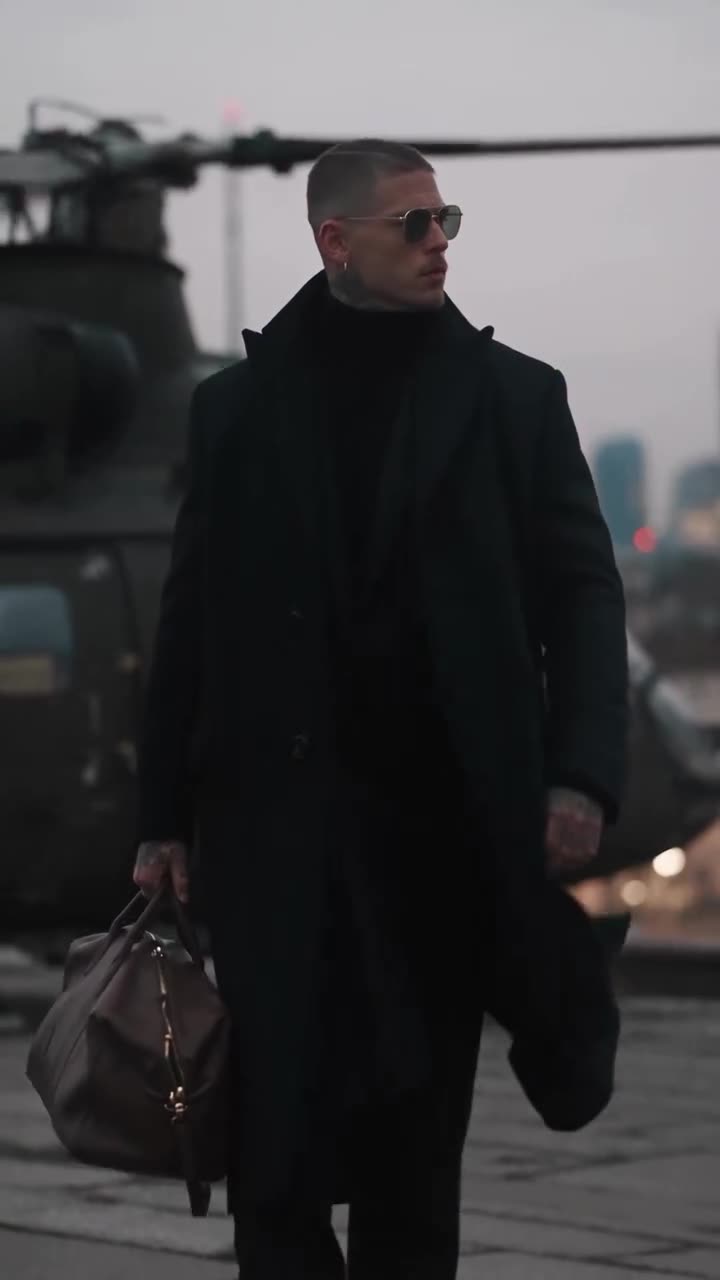

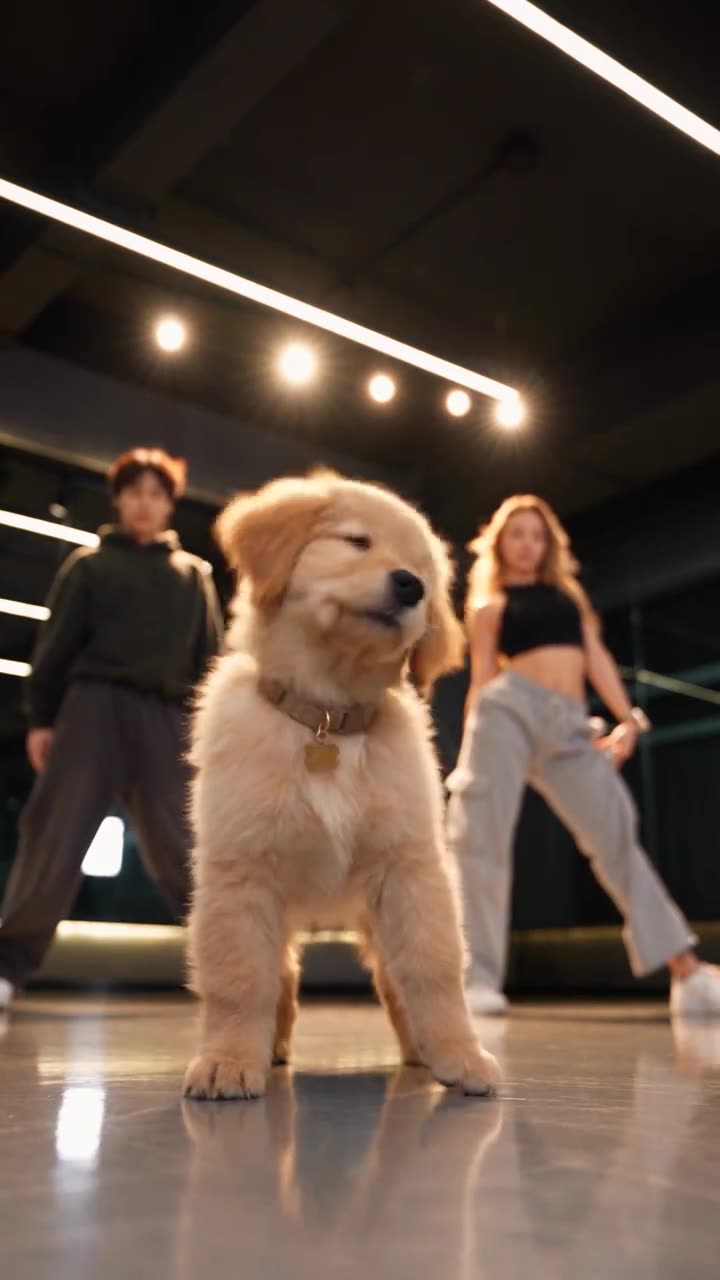
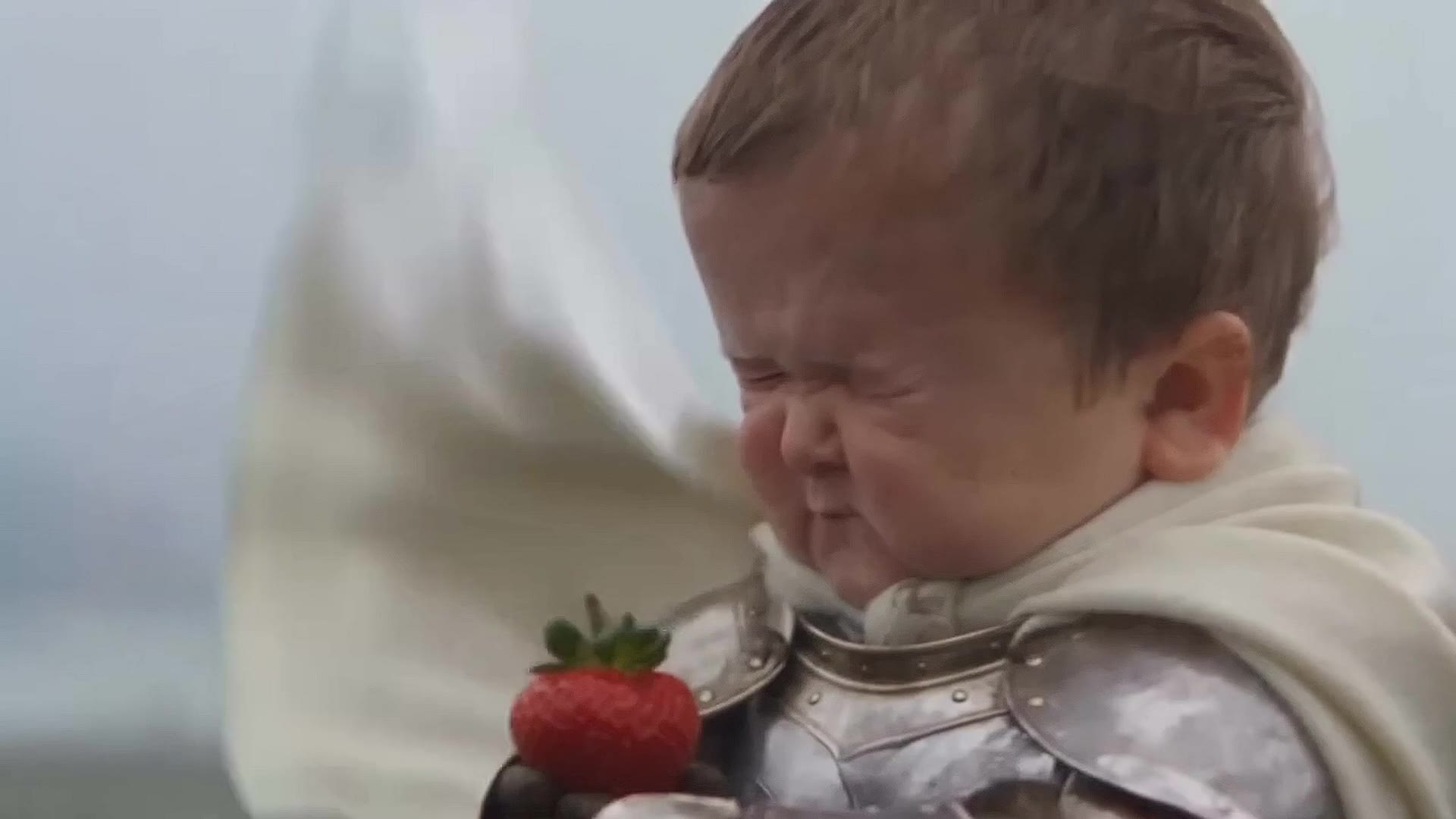
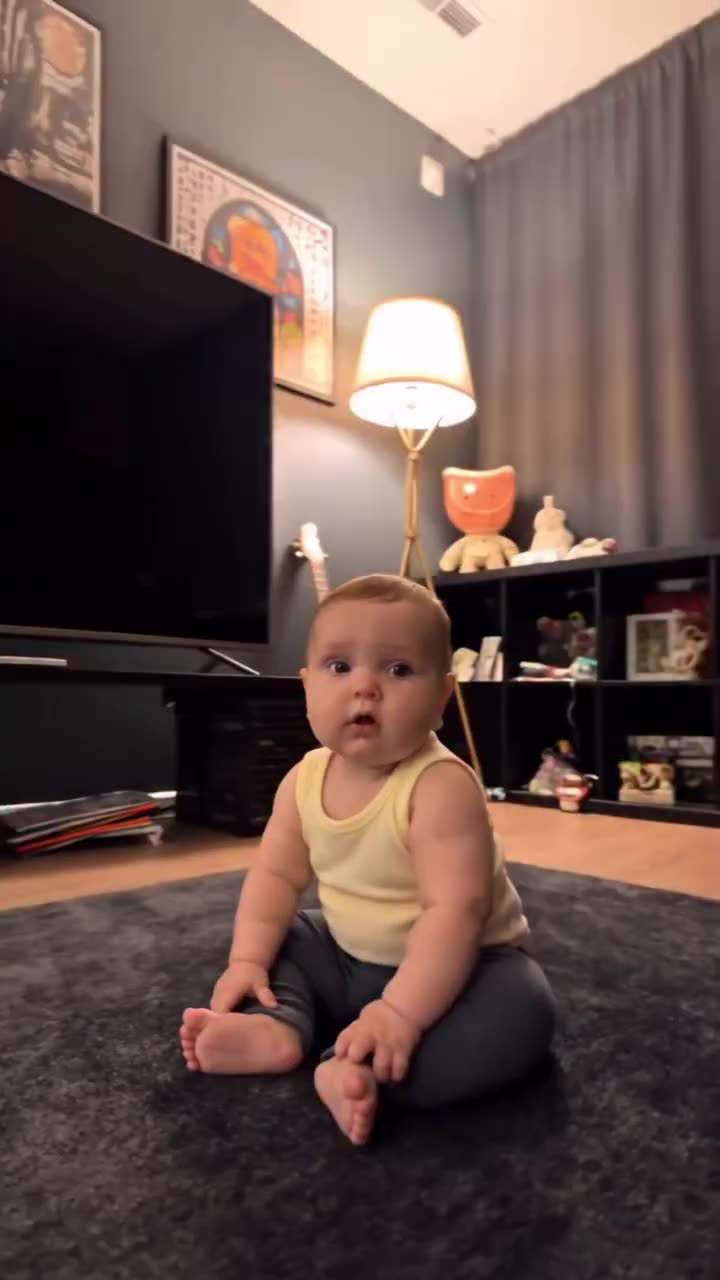
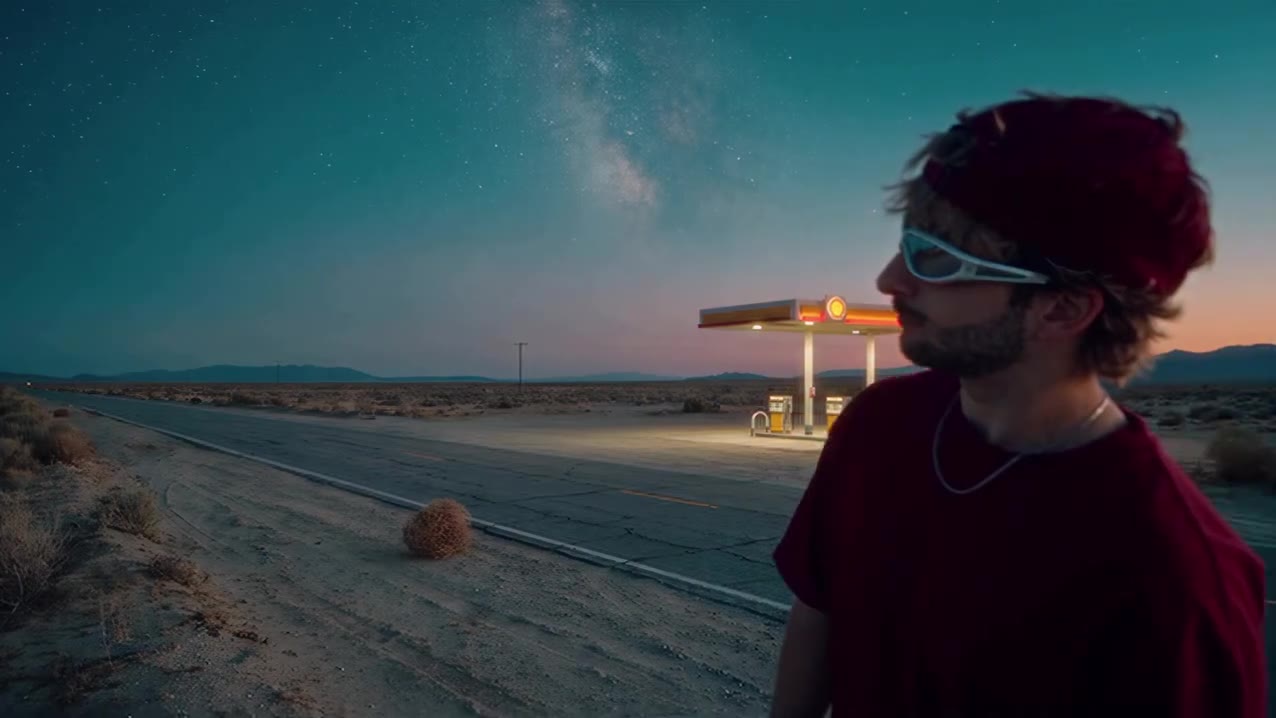
Rekreate Motion
Keep the moves. Make the moment yours. Recreate the movement, timing and camera flow of a video in your own style.
Try Rekreate Motion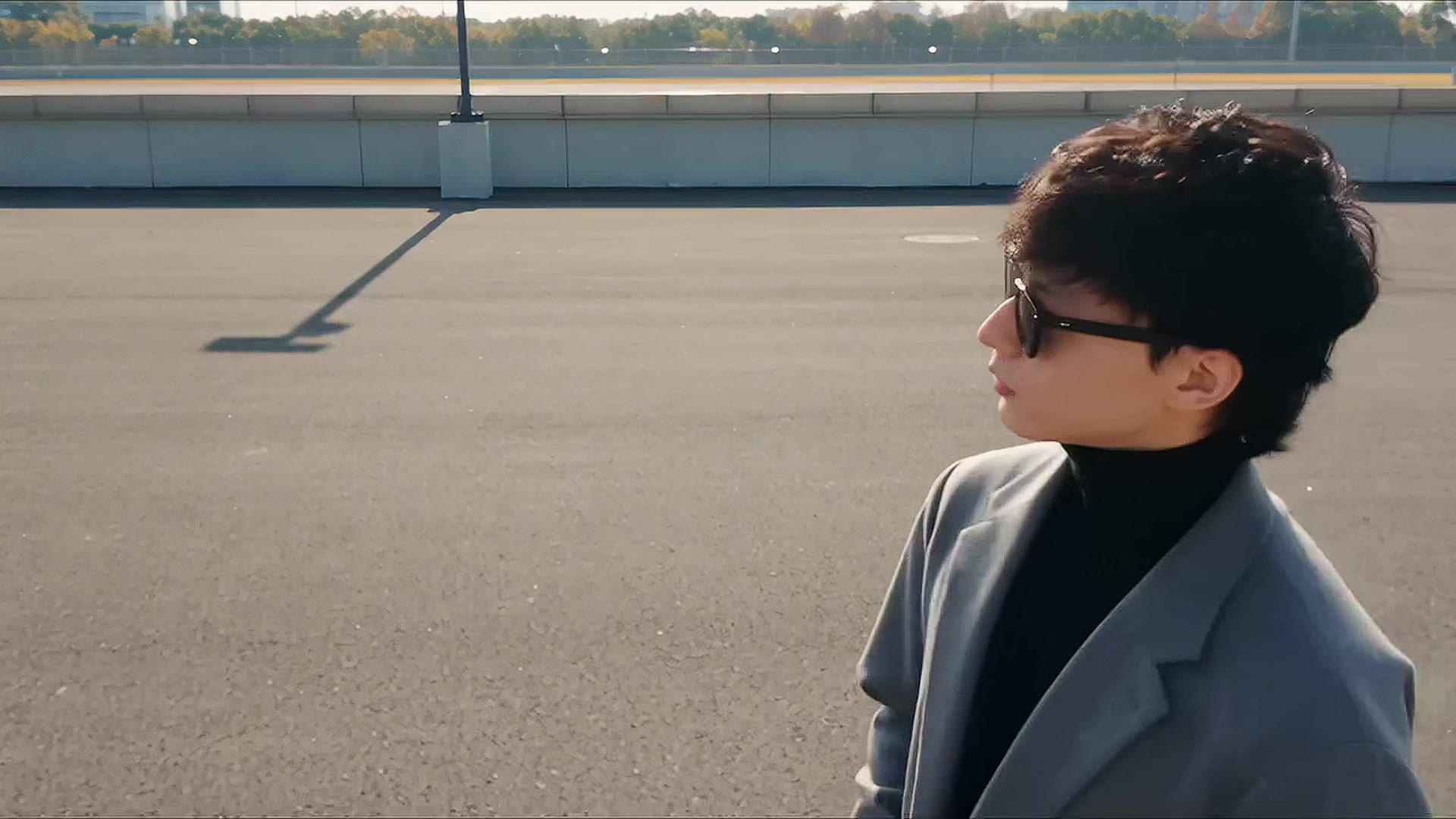 Original
AI VIDEO RECREATION · NOW ON YOUR PHONE
One video. Infinite possibilities.
Take any video you love. Make it yours with AI — a new face, a new look, a whole new world.
See the difference
Same movement. A completely different story.
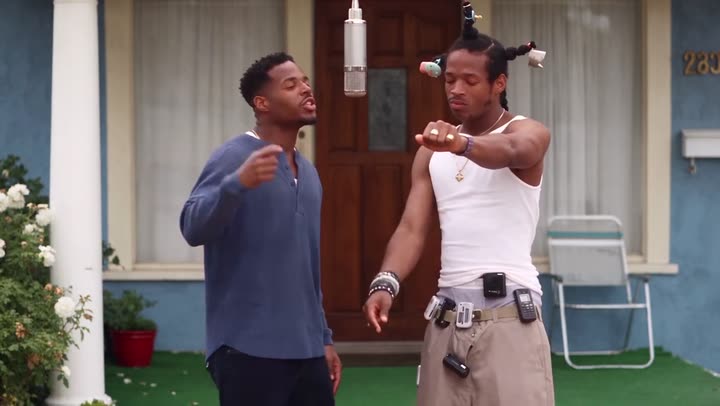
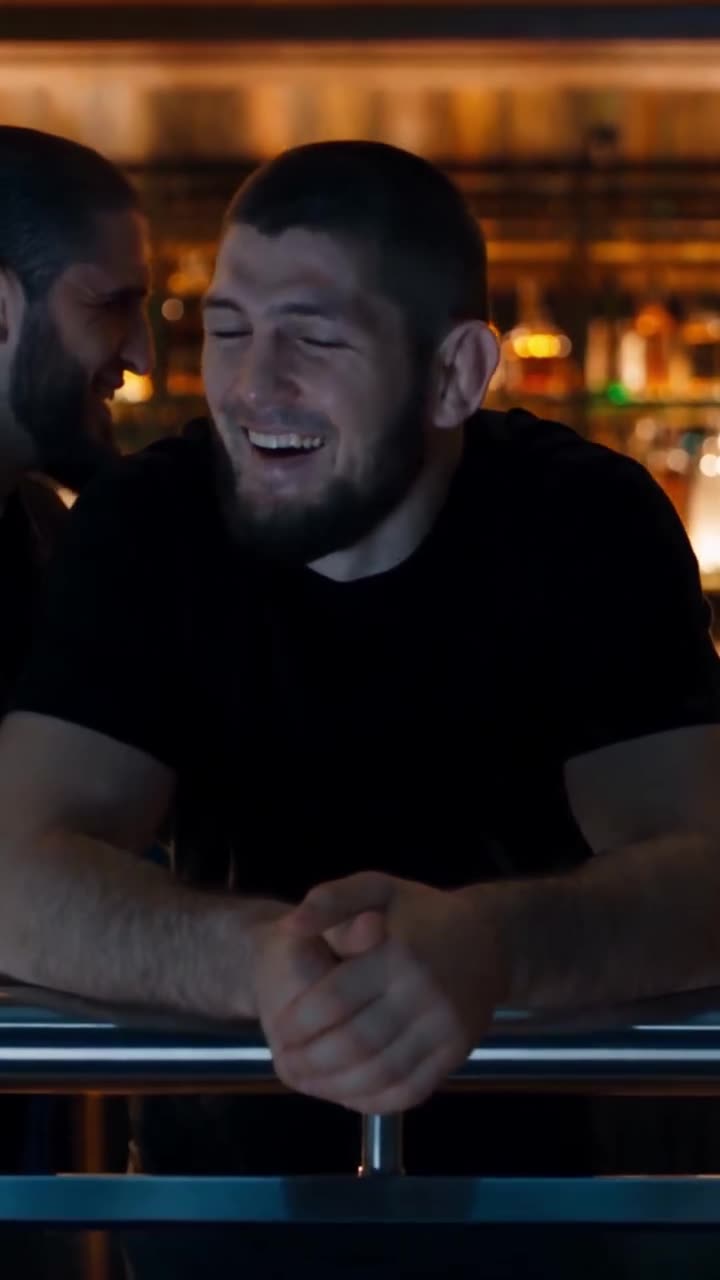
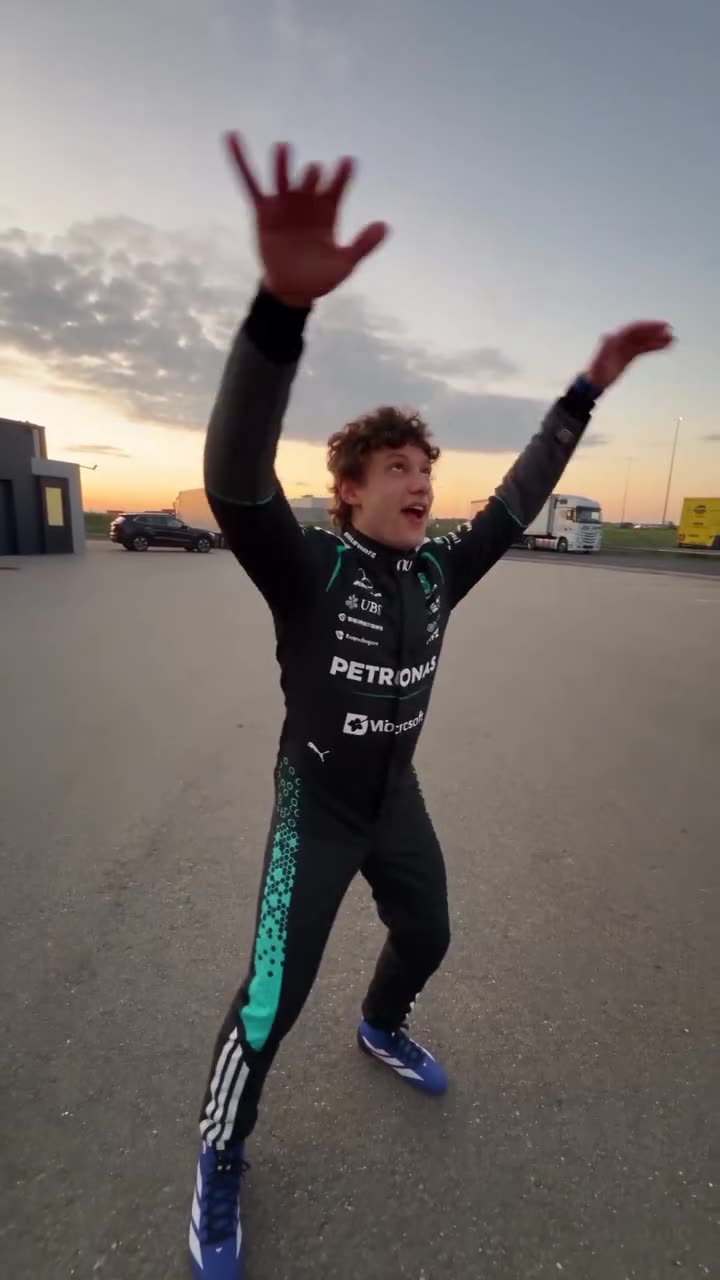
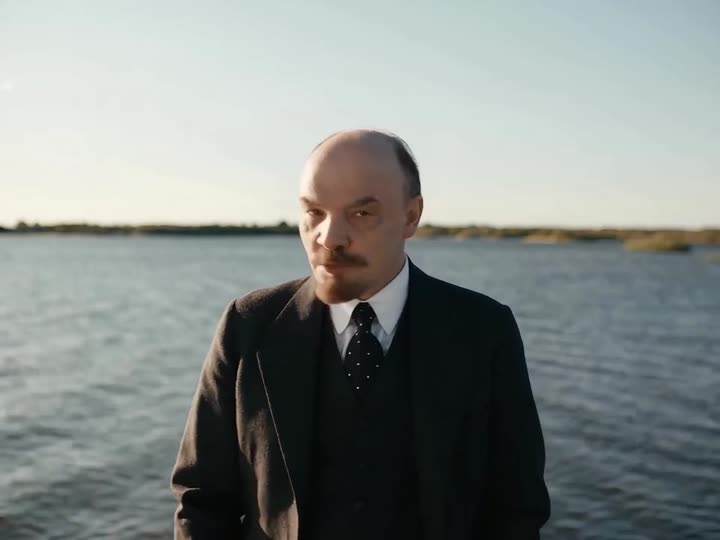
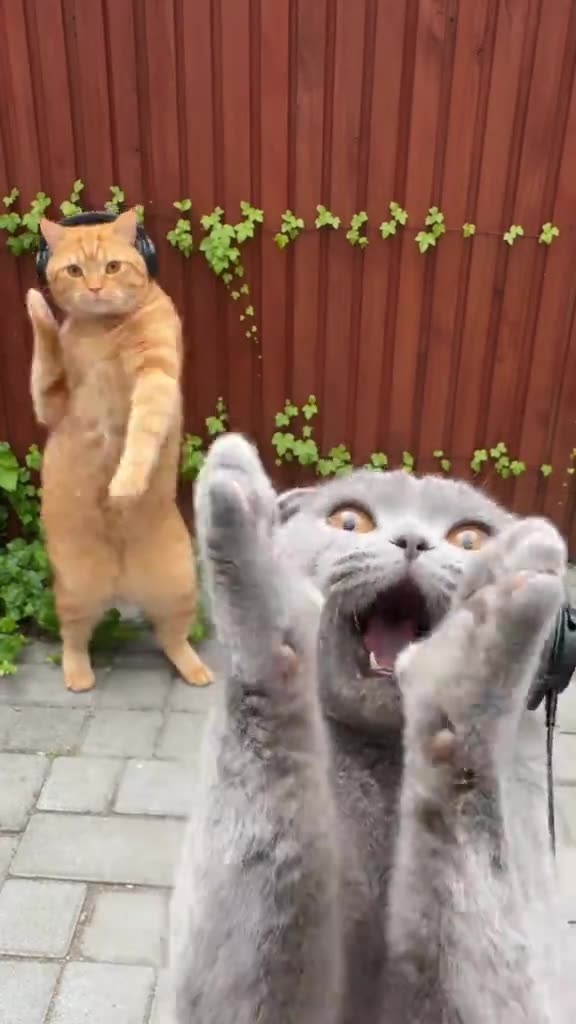
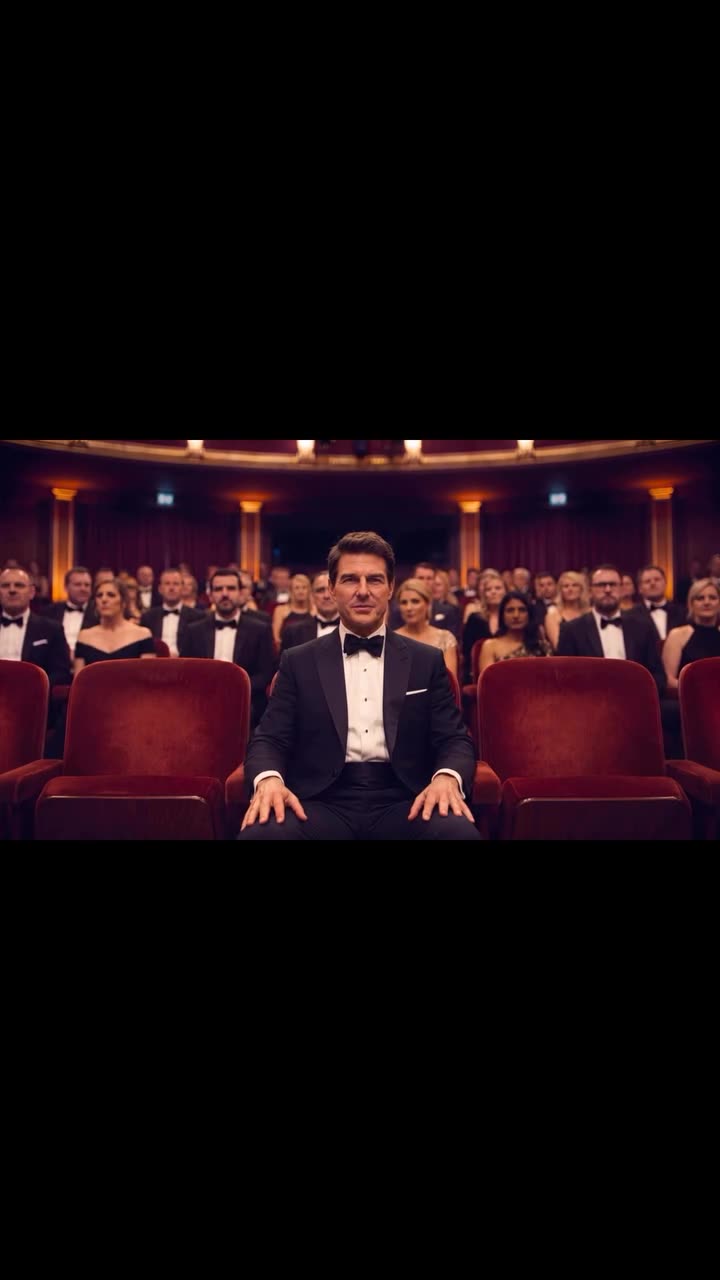
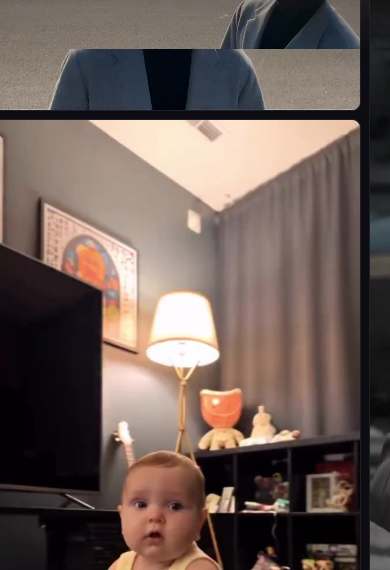
01 / Character recreation
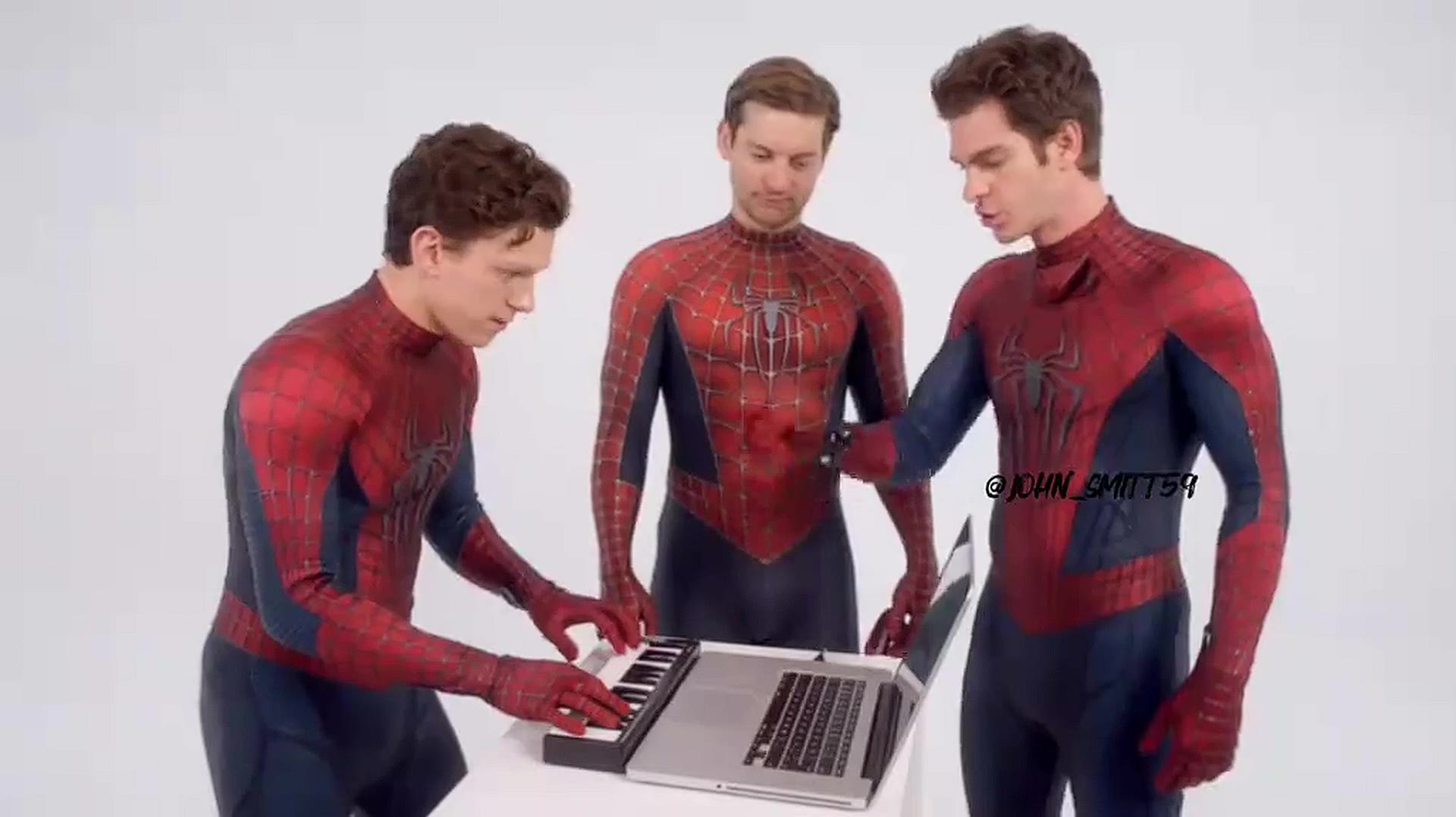
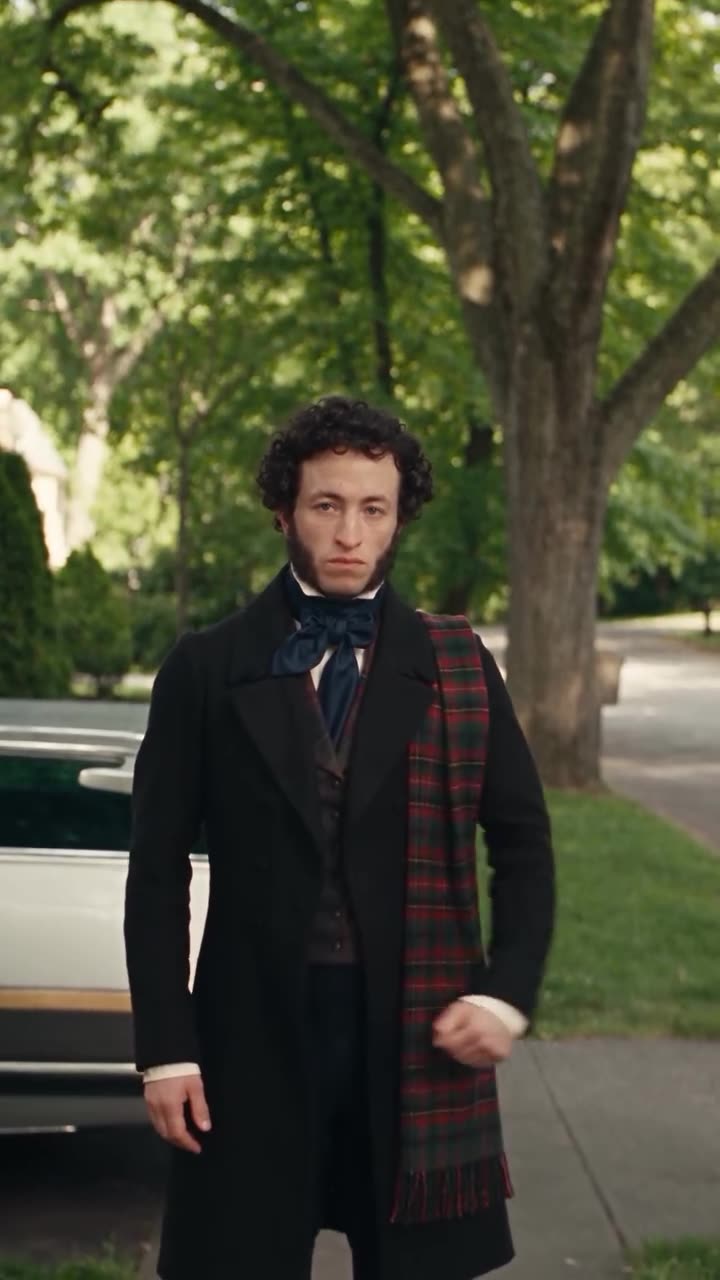
Keep the movement and moment. Replace the character with your own.
ORIGINAL → RECREATED
 ▶
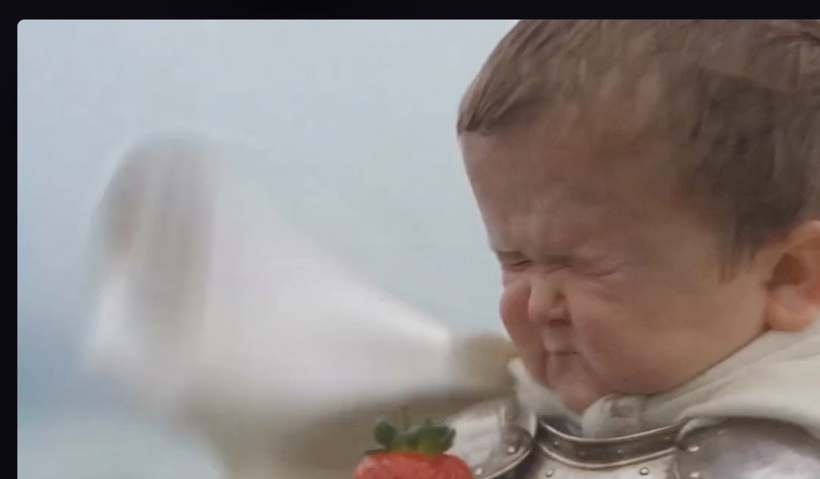 ▶
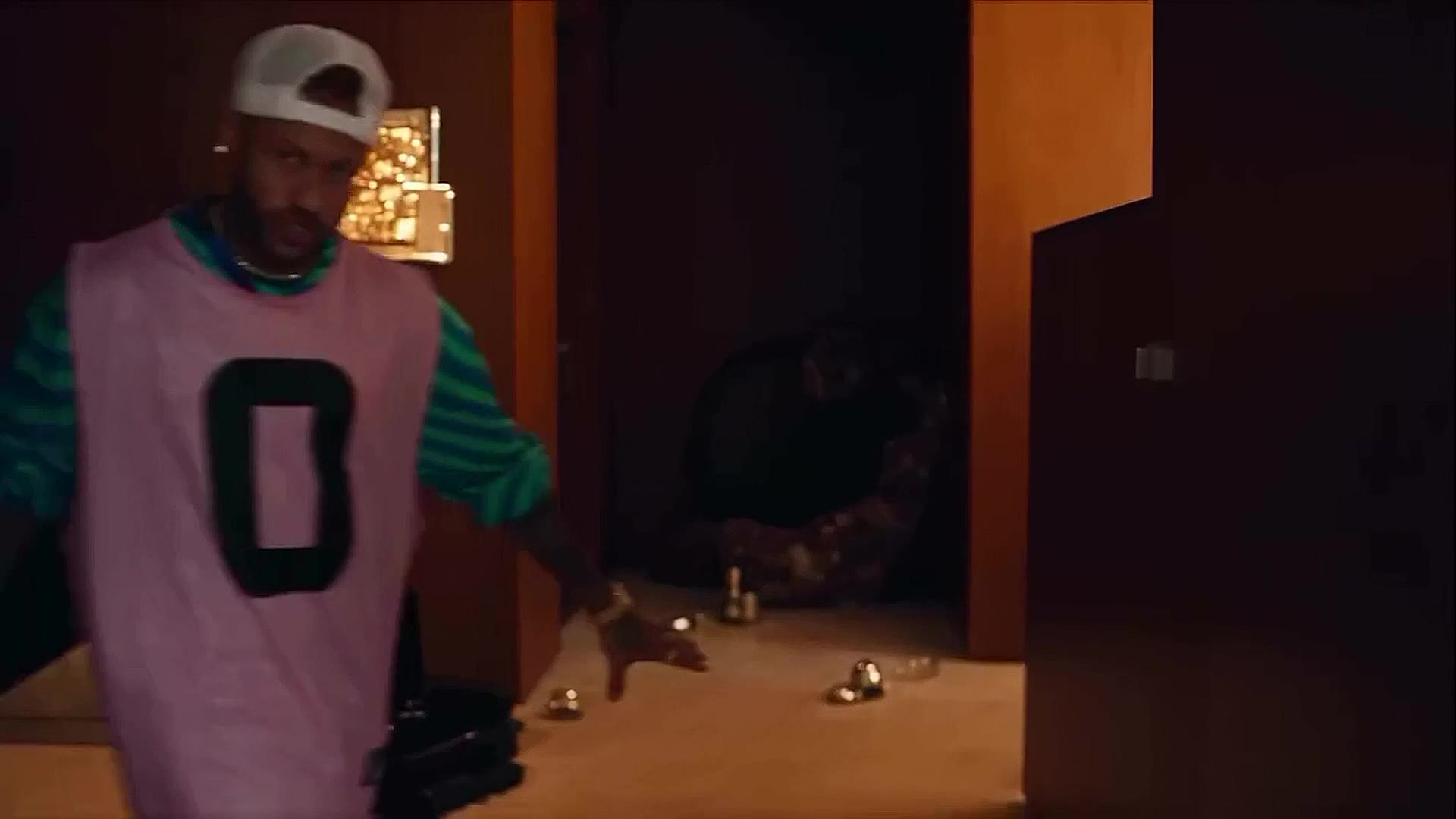
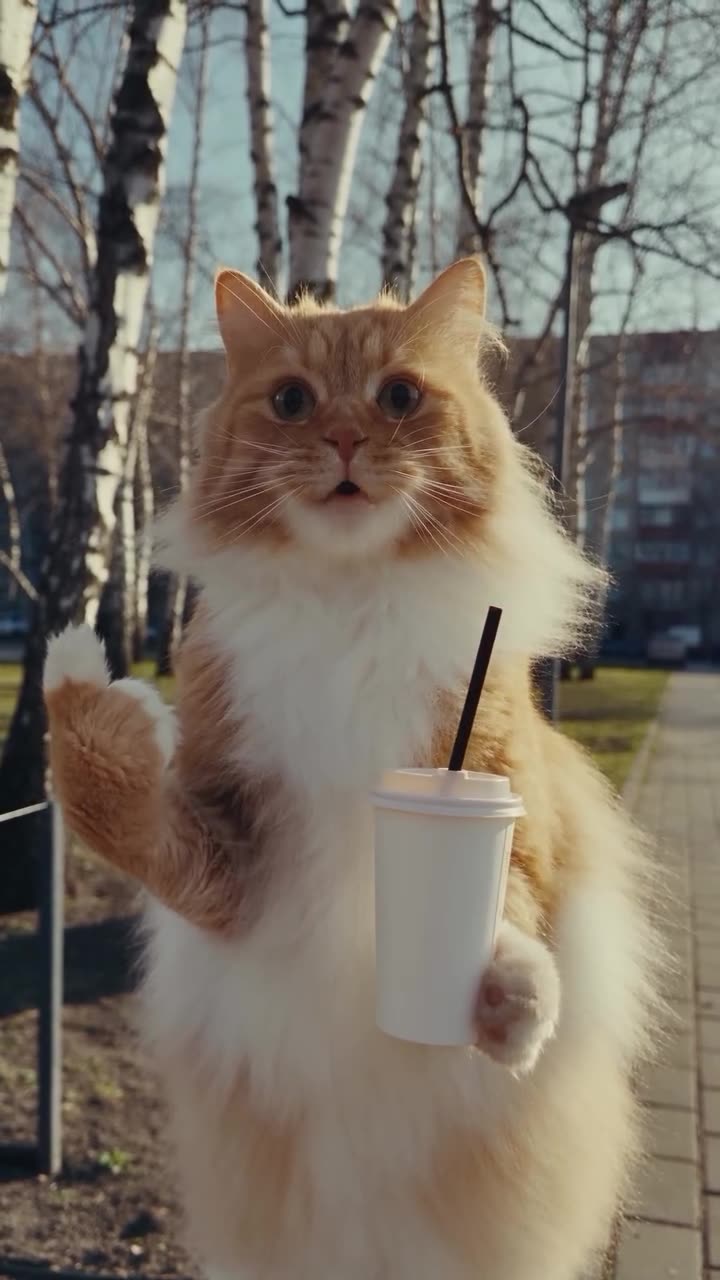
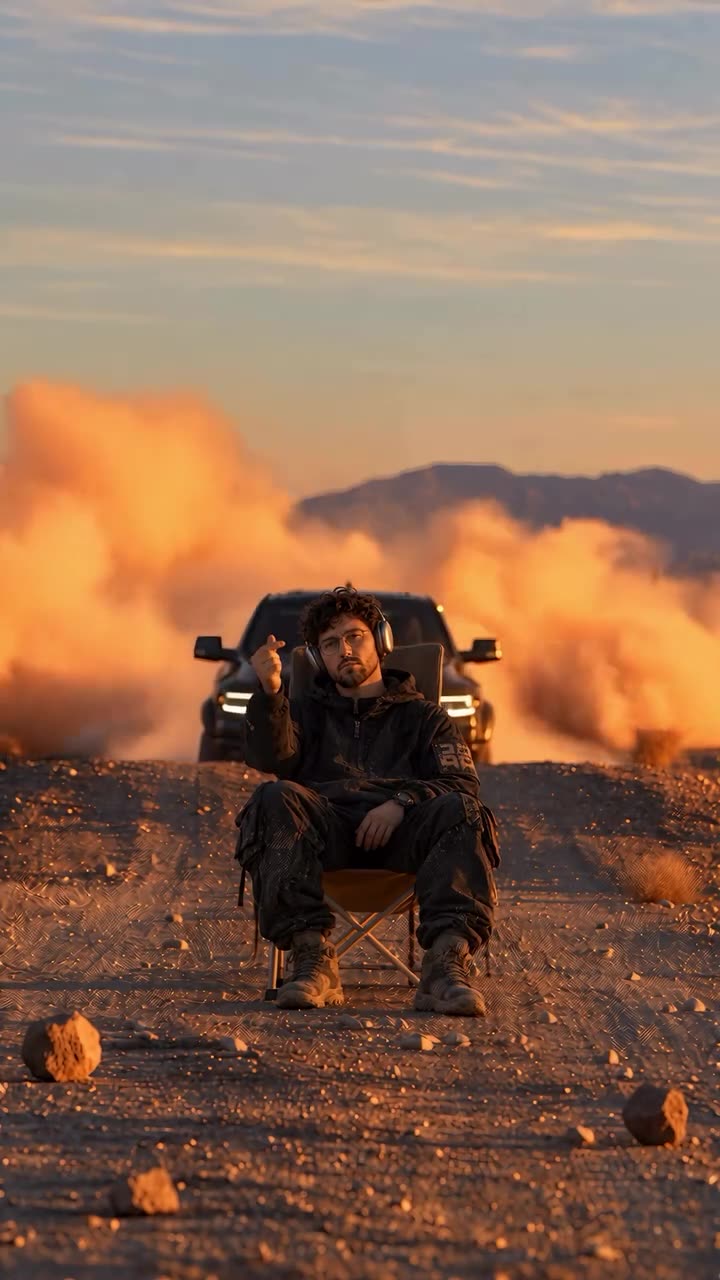
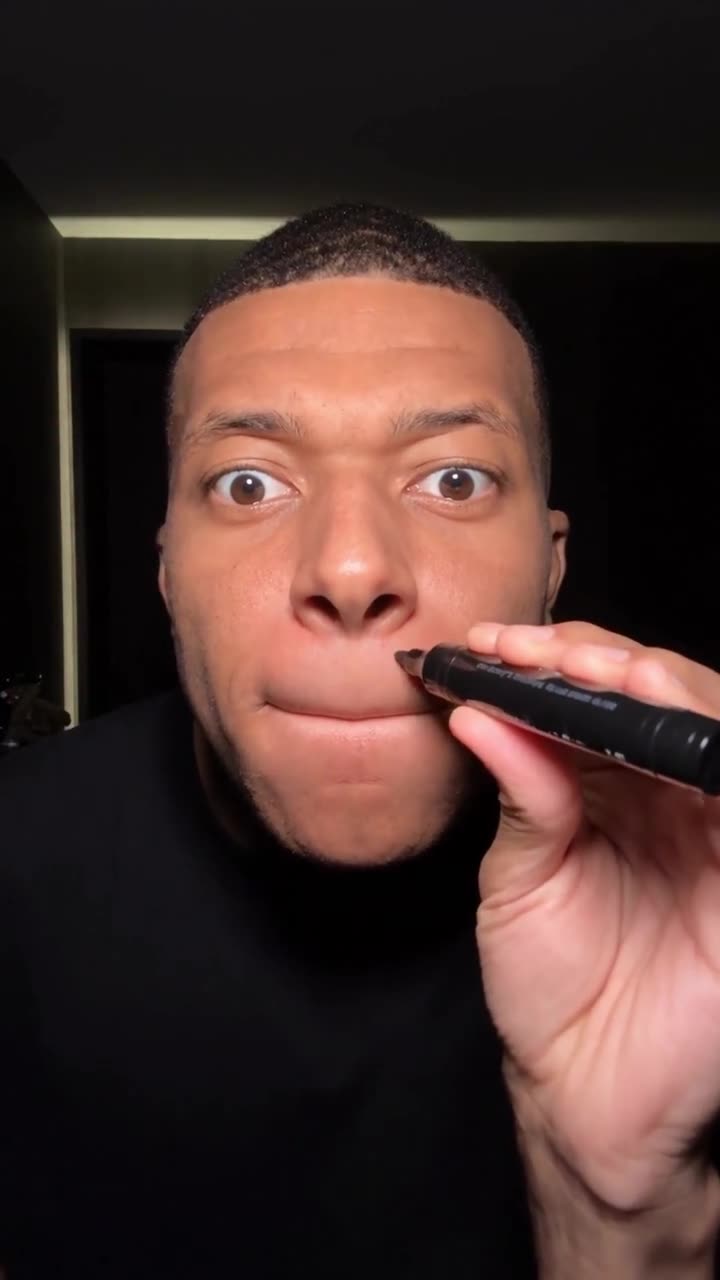
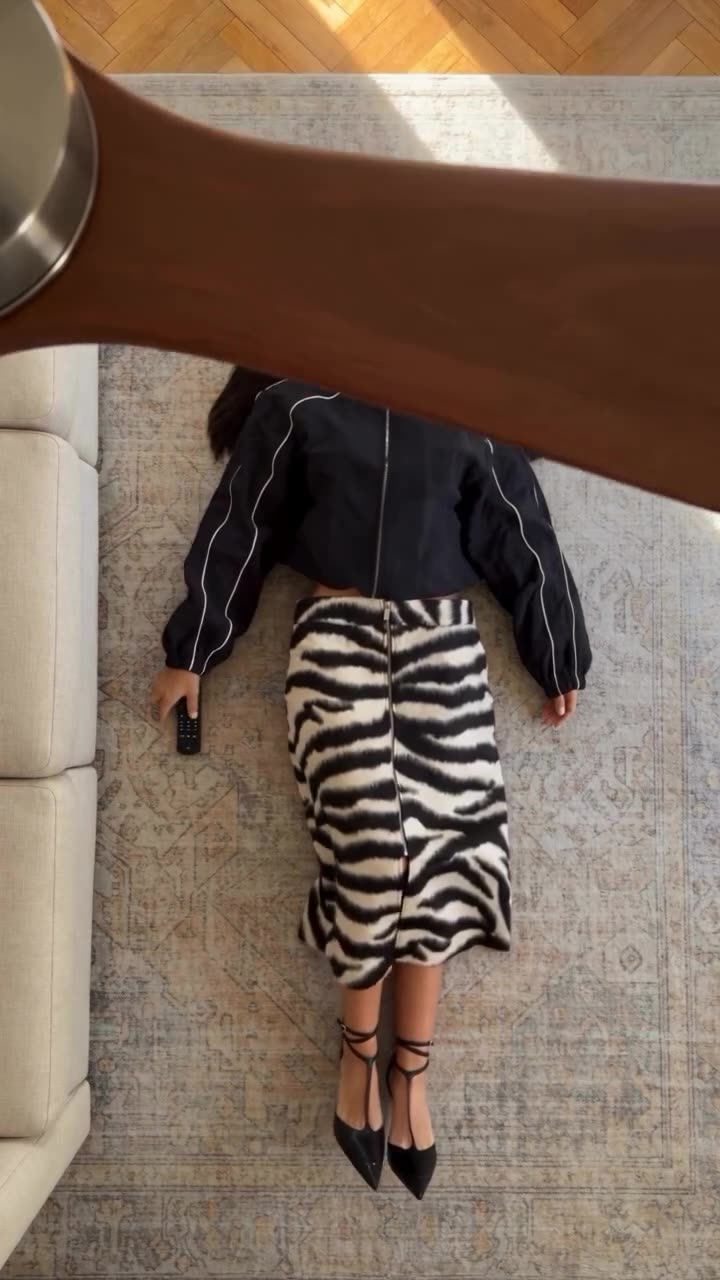
02 / Create more possibilities
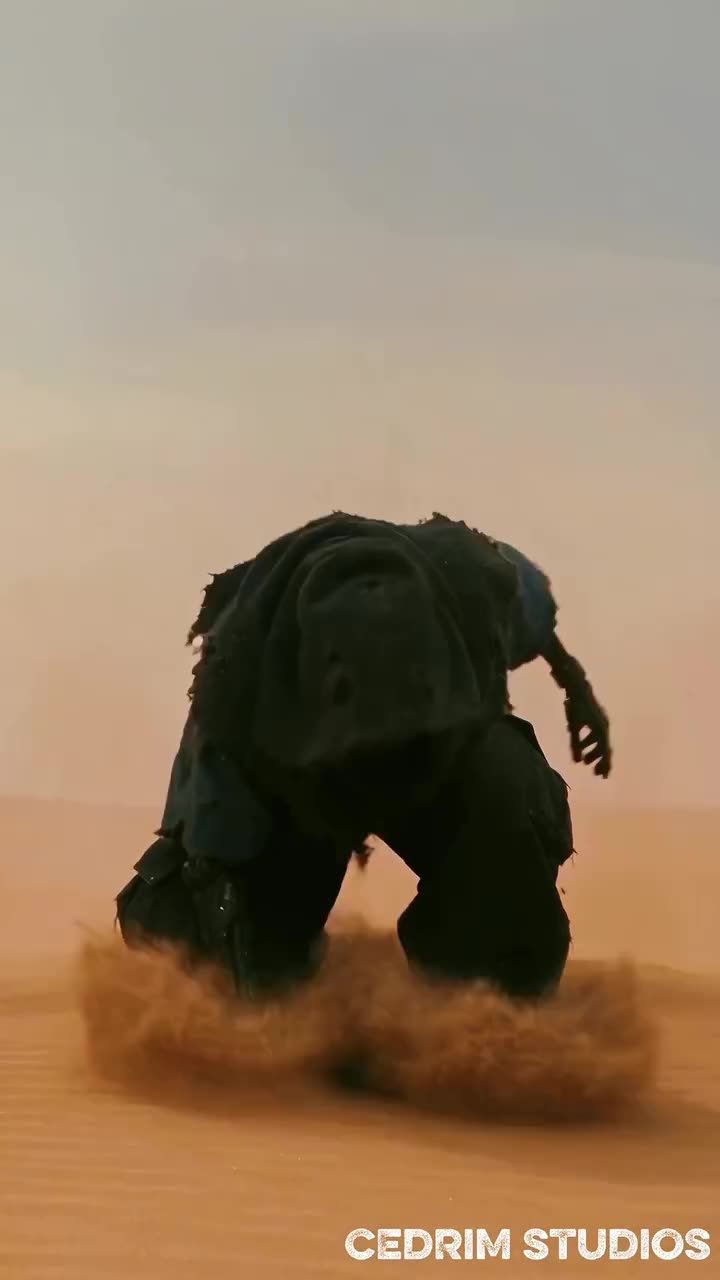
Change the story without reshooting.
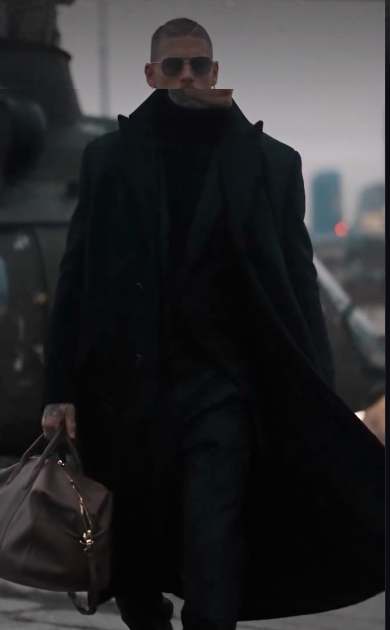 ▶
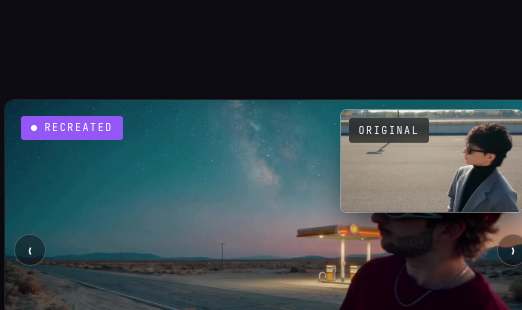 ▶
How it works
From a video on your feed to your own version — in three simple steps.
Find a TikTok, Reel or Short you want to recreate, or upload a video from your phone.
Swap the face or character, update the outfit, or transform the surroundings.
Generate a new version inspired by the original motion and share it anywhere.
The creative possibilities
AI motion transfer, character swap and a whole new world of possibilities.
Keep the moves. Make the moment yours. Recreate the movement, timing and camera flow of a video in your own style.
Try Rekreate Motion
Original
 Original
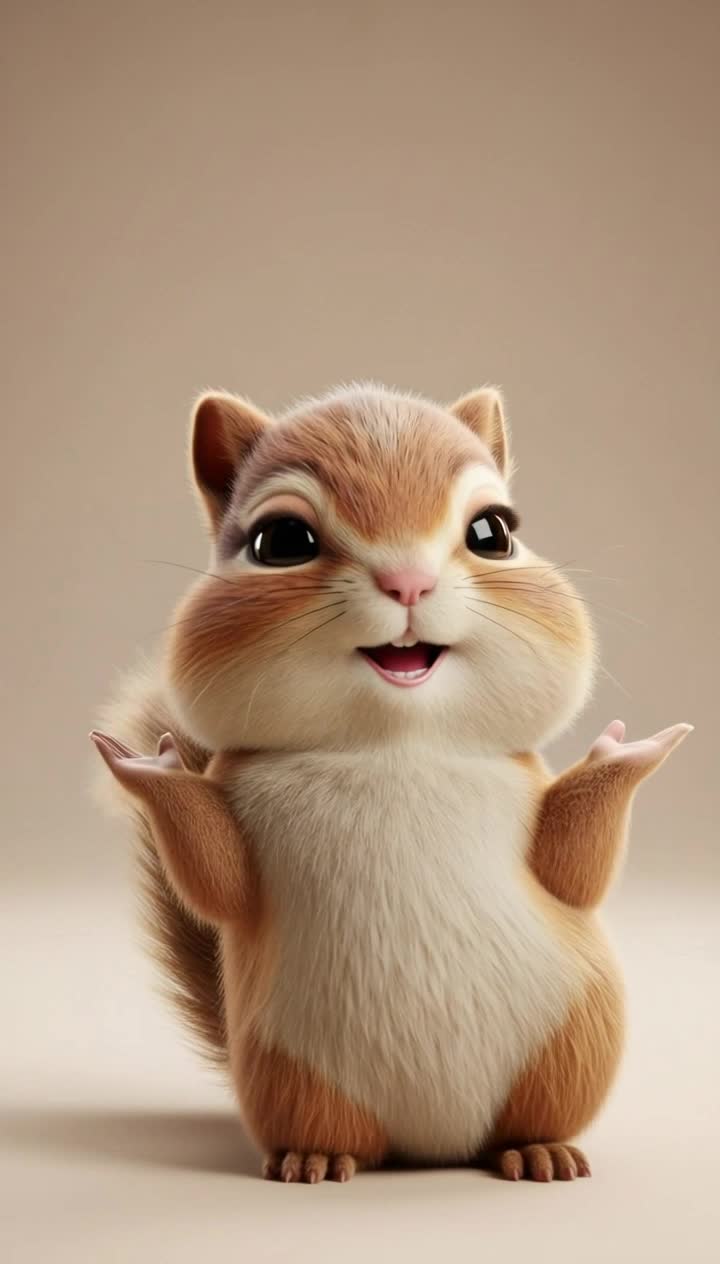 Your character
You, your avatar or a character from your imagination. Give the scene a new star while keeping the movement that made it memorable.
Swap your characterTurn a TikTok, Reel or Short into a video with your own personality.
Explore new outfits, products and settings from a single reference video.
Bring playful characters and unexpected worlds into your next video.
A plan for every creator
For your first AI videos
1,100 credits / mo
≈ 3.5 videos of 10 s73 credits per $1 — 7% more than in packs
Save $36 a year
For regular content
3,700 credits / mo
≈ 12 videos of 10 s76 credits per $1 — 12% more than in packs
Save $120 a year
For those who create a lot
9,700 credits / mo
≈ 31 videos of 10 s75 credits per $1 — 10% more than in packs
Save $360 a year
Monthly billing selected.
Creating with a team? Let’s find the right fit.
RECREATE ANYWHERE
From inspiration to your own recreation — download Rekreate and start creating.
For iPhone and Android.
Good to know
An AI video recreation tool uses an existing video as the starting point for something new. Rekreate AI, also known as ReCreate Video, helps you adapt the motion, visual style and storytelling of a reference video to your own character, product or idea. Instead of building every shot from scratch, you start with a creative direction you can see.
Start with a supported video link or upload a video. Choose what you want to change, such as the character, outfit, product, location or visual style, and add the references your selected mode needs. Rekreate uses the original video as a guide for movement and timing to generate your new version.
Rekreate Motion is an AI motion transfer tool for recreating the movement of a reference video. It uses the source as a guide for actions, timing, pacing and camera flow, while you choose the new look. Use it to put your own spin on a dance, a cinematic moment or a short social video.
Character Swap changes the person or character in a video while using the source movement as a reference. You can build a version around yourself, an avatar or a stylized character. Choose a clear reference image and a source video where the subject is easy to see for a stronger starting point.
Yes. Start with a supported public TikTok link or upload your source video, then adapt the character, scene or visual style. Keep the idea focused and make the result your own. Rekreate helps you explore an existing format without having to film every movement again.
Use a supported Instagram Reel link or upload a reference video to Rekreate. Choose the elements you want to change and generate a new version around your own identity, product or message. The original pacing and movement give you a starting point for a Reel that fits your creative direction.
Yes. You can start with a supported YouTube Short or upload a video and recreate it for your own channel. A clear opening, a focused idea and engaging movement can help your short-form video feel purposeful. Review the result before sharing it with your audience.
Yes. You can reimagine clothes, products, backgrounds, locations and other visual details, depending on the mode you choose. Use references or a description to guide the new look. This makes it easier to explore several creative directions from the same source video.
Yes. You can start from an existing reference video instead of recording every scene again. Add a photo or character reference when your selected mode requires one, then choose what should change. The source video provides the movement and structure for the recreation.
A text-to-video generator starts from a written description. Video recreation starts from a visual reference, giving you a concrete guide for movement, timing and composition. Rekreate lets you build on that reference while changing the character, surroundings or style to fit your idea.
Recreation is a way to develop a new interpretation of a format or visual idea. Bring your own character, message and creative choices to the result. Use source videos, photos and other assets that you own or have permission to use; an AI transformation does not by itself grant rights to the original material.
A reference makes the creative direction easier to define. You can see the pacing, framing and movement you want to build on, then concentrate on what makes your version different. It is a practical way to test new ideas without planning or filming every shot from the beginning.
Rekreate is for creators, marketers, brands and anyone who wants to experiment with AI video. Creators can put their own spin on trends, brands can explore product and campaign variations, and teams can develop several ideas from one reference. You can start on your phone without a complex editing workflow.
No professional editing experience is required to get started. Choose your reference, select a mode and describe or show what you want to change. You still guide the idea and review the result, while Rekreate handles the AI generation process.
You can set up a recreation in a few steps. Generation time depends on the selected model, video length, resolution and current demand. Start with a short, clear reference when you want to explore an idea before committing to a longer video.
Rekreate can help you experiment with formats, motion and visual ideas that have caught your attention. Virality is never guaranteed: audience fit, timing, storytelling and execution all matter. Use the tool to develop more creative variations and learn which ones connect with your audience.
Choose footage with a clearly visible subject, readable movement and minimal obstruction. A stable scene and a clear character reference give the AI more useful visual information. Complex camera changes, heavy motion blur and overlapping subjects can make a recreation more challenging.
AI Video Credits are the balance used to generate videos in Rekreate. Credit usage varies by the model and generation settings, including video length and resolution. Each subscription includes a monthly credit allowance, and the video counts shown in the pricing cards are estimates rather than a fixed number of generations.
Starter includes 1,100 credits per month, Plus includes 3,700, and Ultra includes 9,700. All three plans include access to all modes and trends, videos up to 1080p, and credits added every month. Choose a plan based on how often you want to create and the generation settings you use.
Annual plans are billed once a year, while credits are added every month. Starter is $12 per month billed annually, Plus is $39, and Ultra is $99. That is $144, $468 and $1,188 per year respectively, with savings of $36, $120 and $360 compared with twelve monthly payments.
No. Unused subscription credits do not roll over. Your monthly credit allowance resets at the start of each credit cycle, including when your subscription is billed annually. Plan your generations around the allowance available in your account.
Yes. You can change or cancel your subscription from your billing settings. If you subscribed through an app store, manage the subscription through that store. Your billing screen shows the renewal date and the options available for your account.
Rekreate is designed for creating on mobile. Use the App Store or Google Play links on this page to find Rekreate for your device, check availability and view the app requirements. From there, you can start exploring video recreation on your phone.
Yes. Rekreate can help teams explore campaign ideas, product variations and short-form content. For business requirements or a team setup, contact [email protected]. Tell us about your workflow and the amount of content you want to create.
ONE VIDEO. ENDLESS WAYS TO MAKE IT YOURS.
